


01 Can I use these on Log footage?
Convert Log footage to Rec.709 before applying the creative LUT. If your footage is already in Rec.709, apply the look directly. Each LUT gives you a starting point for the grade.
02 Where should I set the intensity?
Start around 20–80% and adjust to the shot. Full strength can work when you want the whole effect. The result depends on your source footage.
03 Will this work in my editor?
Check that your editor can import custom .cube LUTs. DaVinci Resolve, Premiere Pro, Final Cut Pro, and CapCut are examples. Check your app version and device before purchasing.
04 What do I download?
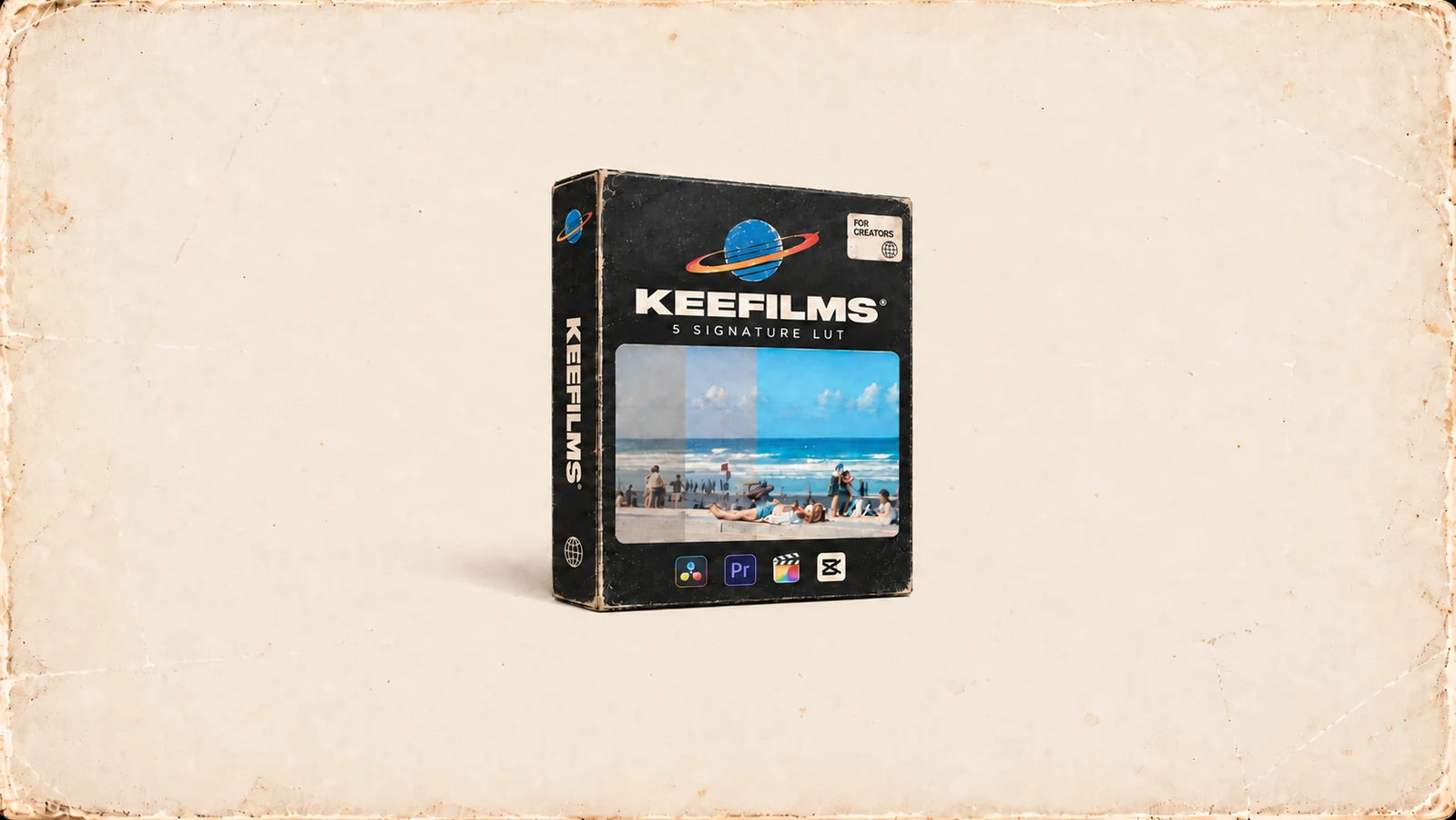
A 12 MB digital ZIP containing five .cube LUTs. Unzip it and import the looks into your editor. The slider compares each original Log frame with its finished grade.
05 Where can I check the license?
The pack includes a single-user license for personal and commercial work. Download the Pre-Purchase Guide (PDF) for the full license, workflow, compatibility, refunds, and support details.
06 Can I get a refund after download?
Once you access or download the digital files, purchases are generally non-refundable, subject to applicable law. Review the Product Guide for the full terms.
07 How do I get help?
Support covers download access, file integrity, and basic installation. Keep your order details handy for download or billing issues. See the Pre-Purchase Guide for the full support policy.